Recently cleared codes
Code-reset signals give you context a cleared dashboard cannot.
Mechanical Intelligence turns an OEM-level scan into answers: what’s wrong, what it costs to fix, and the risk before you buy or sell. In 15 seconds to about a minute, from your phone.
Sample of 10,000 auction scans.
Same 10,000-scan sample.
Plug the ULTRA adapter into the OBD port and open the CarDr app.
Illustrative app screen: ready to scan.The app reads 100+ modules across the whole vehicle in 15 seconds to about a minute.
Illustrative app screen: scan in progress.Get one report with ranked findings and repair cost.
Illustrative app screen: merged scan results.Code-reset signals give you context a cleared dashboard cannot.
Check warning-light status alongside the faults.
Find faults beyond the engine.
See the voltage baseline in every report.
 AUCTIONS
Flagged 82% of vehicles later arbitrated — before the sale.
See the auction solution ↗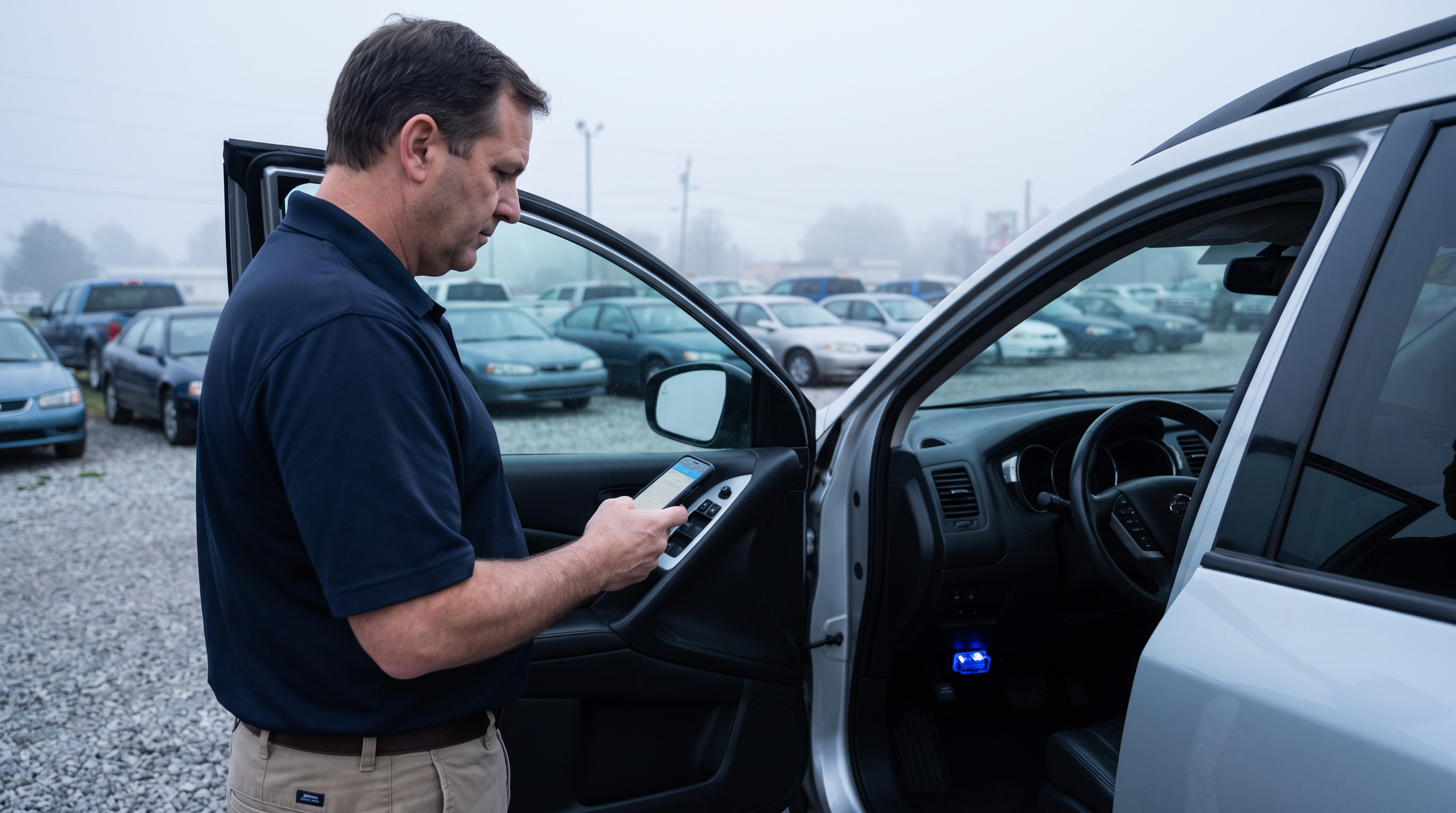 DEALERS
Mechanical Intelligence for auctions and dealers: an OEM-level vehicle scan with repair cost and risk reporting.
15 seconds to about a minute depending on the number of modules.
138+ OEM protocols and 100+ ECUs, including recently cleared codes, warning lights, module faults and resting battery voltage.
Triage at check-in, Pre-Certification, Post-Sale Inspection and Arbitration Risk Reports. Explore auctions
Scan before you buy or trade to see true condition and repair cost. Explore dealers
Yes, via SDK and API. Explore SDK & API
App screens and report layouts are illustrative examples, not customer results. Pilot figures reflect the datasets described.